
Product
Billing, stock, tax, and POS in one place
Every module below is in the running app. Industry and Settings decide what the shop sees first.
01
Sale & POS
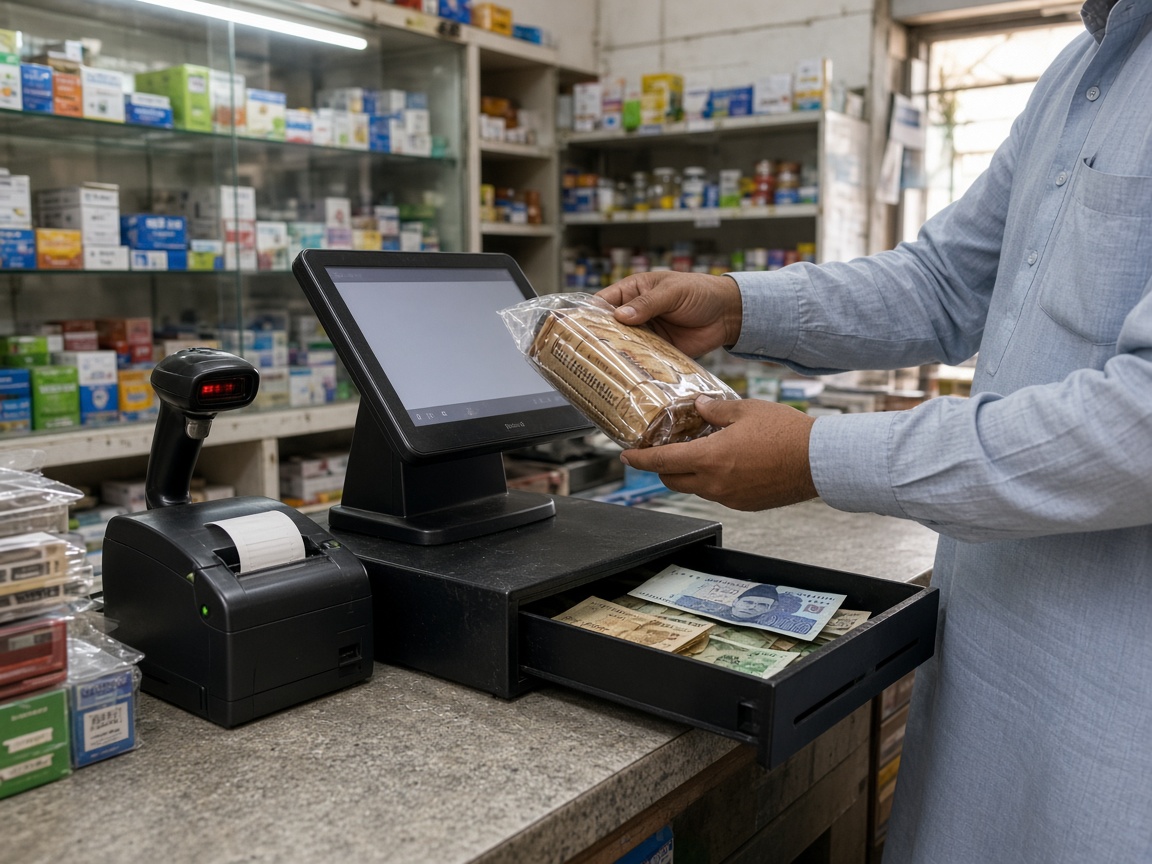
Add Sale is the daily action. Invoices, estimates, proforma, delivery challan, sale orders, credit notes, and a counter POS with categories. Print A4, A5, or thermal. Share by WhatsApp when that channel is on.

02
Purchase
Bills, purchase orders, debit notes, and job work in. Party-wise rates and warehouses when the industry needs them.

03
Parties
Customers, suppliers, or both. TRN, phone, address, opening balance, and outstanding on the party.
04
Items & stock
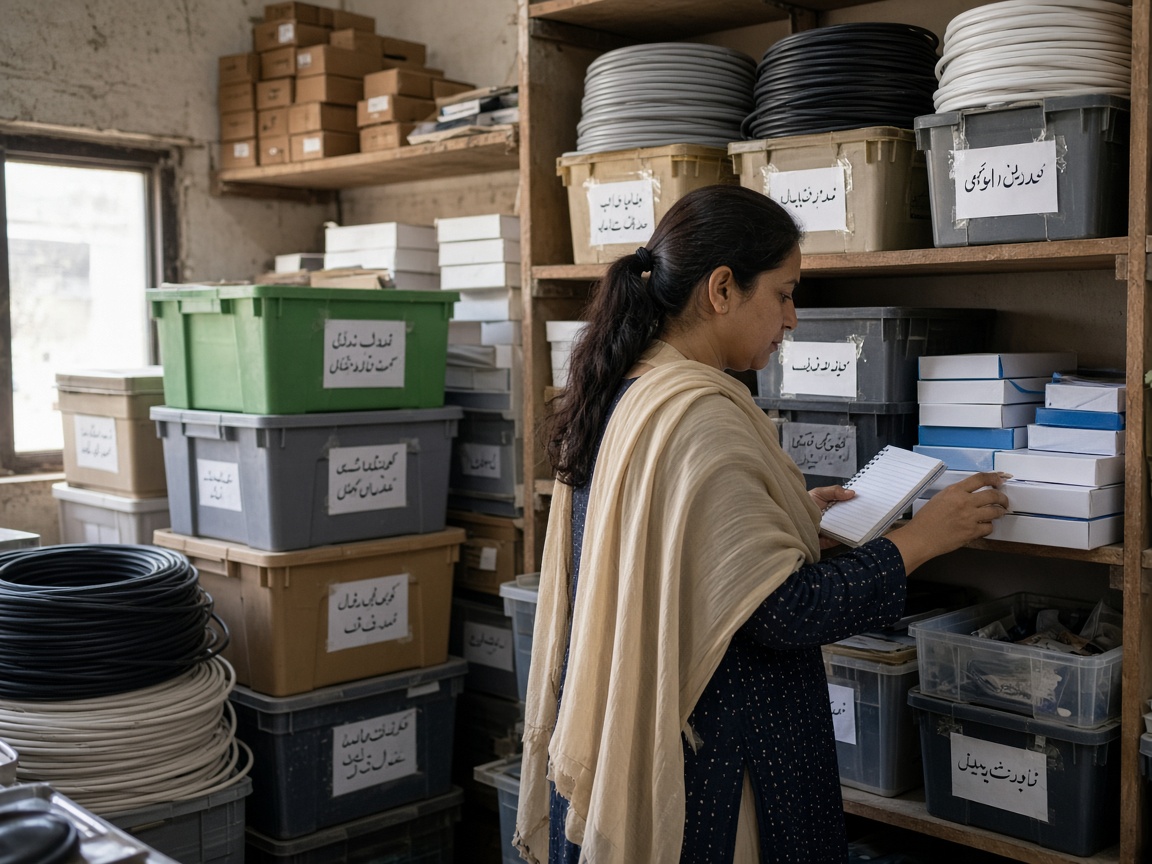
SKU, barcode, batch, expiry, serial, warehouses, and low-stock alerts. Industry presets turn the right fields on.
05
Cash & bank
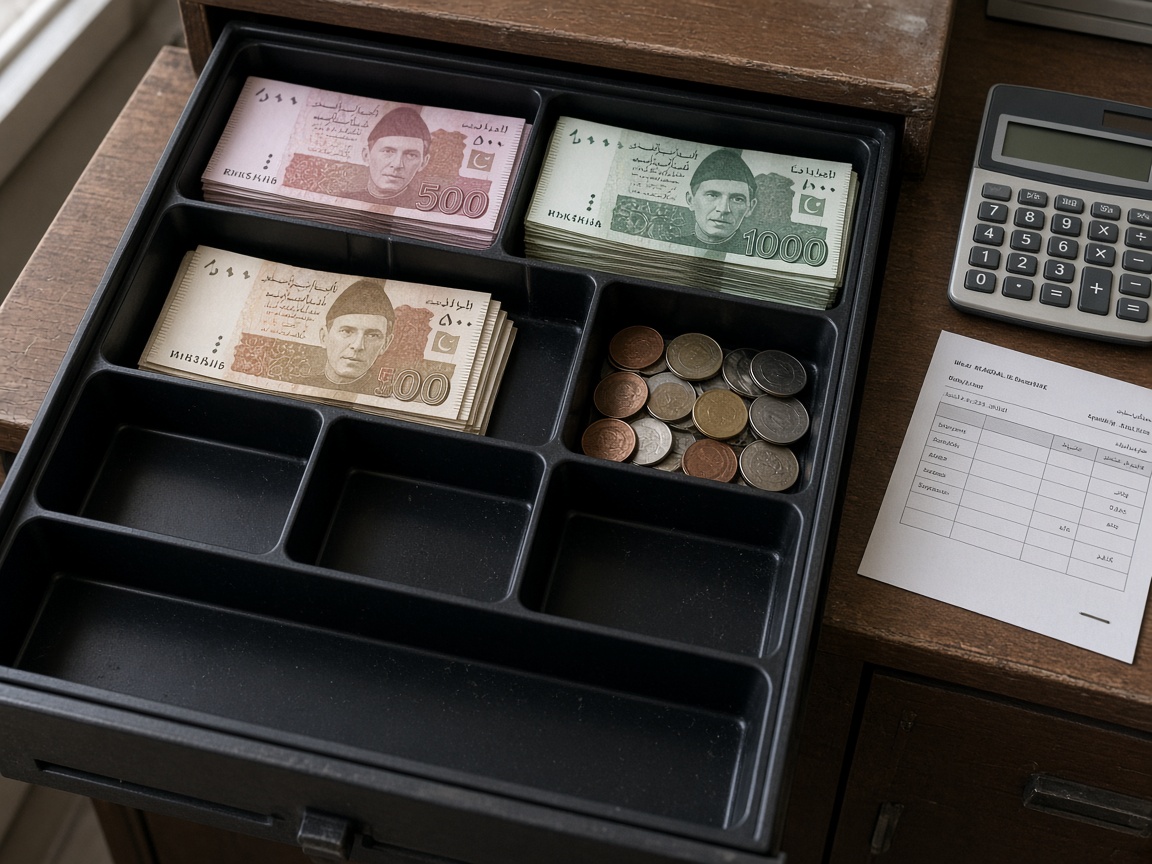
Cash, bank, transfers, expenses, and other income. Day-book snapshots on Home show the day at a glance.
06
VAT
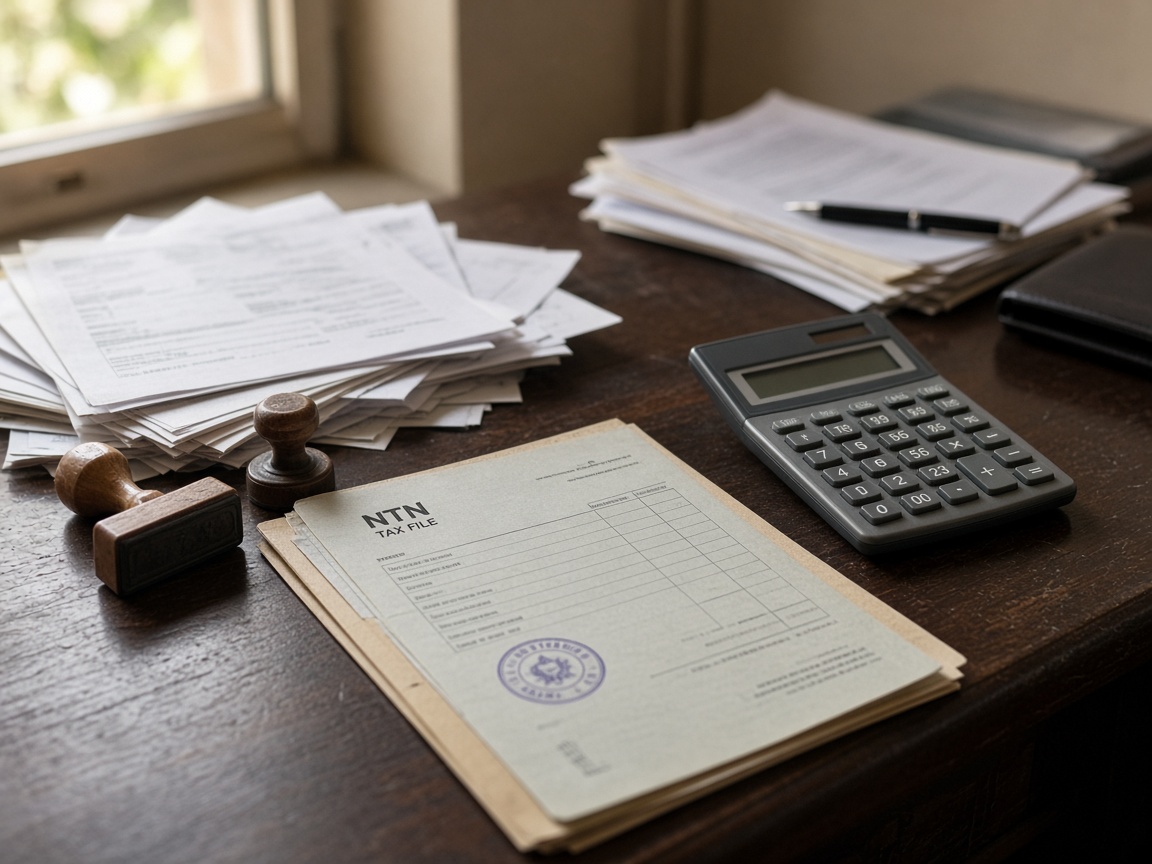
AED, VAT, and the company TRN on the bill. The rate is set on the company.

07
Reports
Day book, P&L, outstanding, stock, tax return. Filter by period. Export and print from the same numbers the books use.
08
Backup
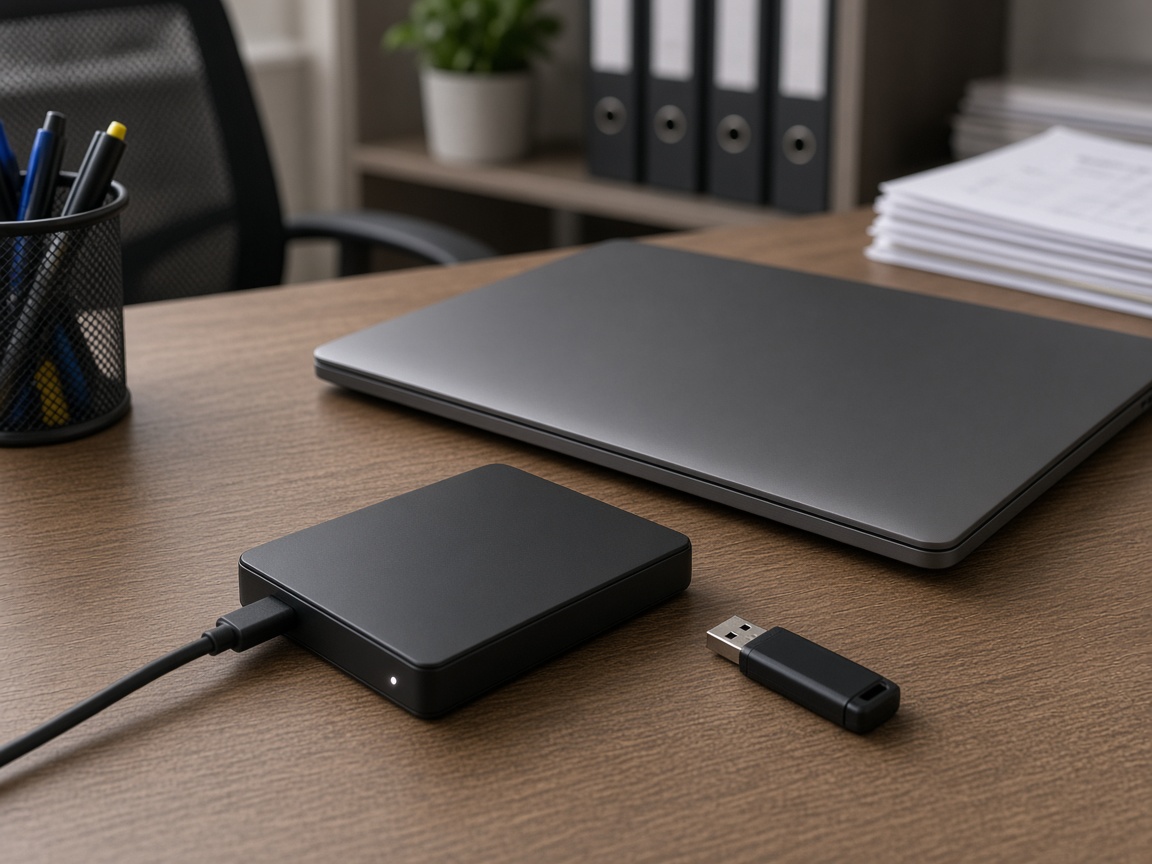
PC, USB, Gmail, Drive, and encrypted .ebk restore — keep a copy off the shop machine.
09
Access
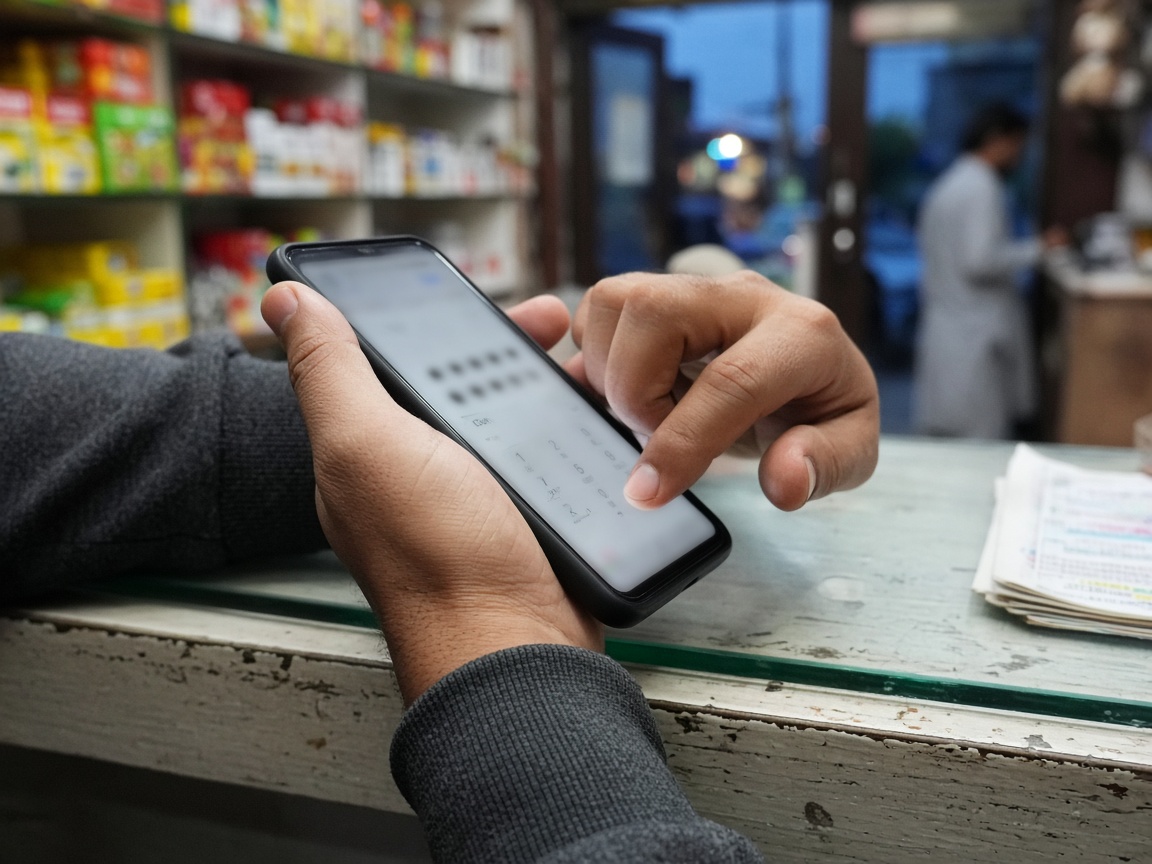
Password, email code, OTP, and a Smart PIN on a remembered device.